Business + manufacturing, connected
Your business.
Your factory.
Working together.
From the first customer order to the next production shift. Bring your sales, inventory, accounts and factory floor into one connected workspace.
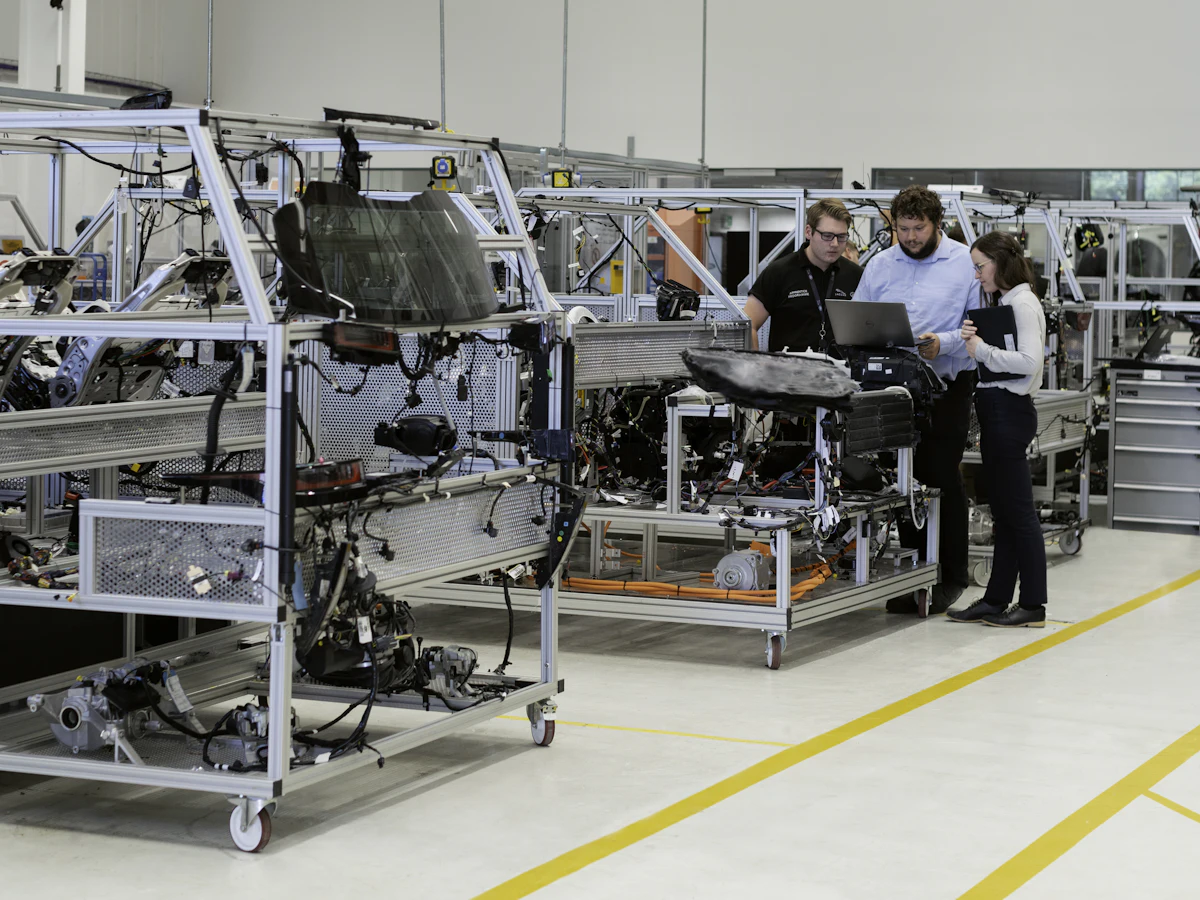
One connected workspace
Every team. The same picture.
Start with the tools your business needs. Add the factory floor as you grow.
Stay close to every customer.
Keep customer details, sales orders and invoices together. See the next step without chasing a spreadsheet.
- Customers
- Sales orders
- Invoicing
- Collections
Customer activity
| Customer | Next step | Status |
|---|---|---|
| Aster Components | Review sales order | In progress |
| Oakline Trading | Follow up on invoice | Payment due |
| North Works | Prepare dispatch | Ready |
Keep a clear next step for every account.
Know what is on the shelf.
Bring items, stock movements and purchasing into one view. Follow each receipt from the purchase order into your warehouse.
- Item master
- Stock ledger
- Purchasing
- Warehouses
Stock overview
| Item | Available | Status |
|---|---|---|
| M8 fasteners | 2,400 pieces | In stock |
| Steel blanks | 180 pieces | Low stock |
| Bearing assembly | 64 pieces | In stock |
Follow the stock movement behind every balance.
Keep the next shift moving.
Connect work orders, output and downtime. Give supervisors and managers the same view of what needs attention.
- Work orders
- Shifts & OEE
- Quality
- Maintenance
Production overview
| Production line | Current work | Status |
|---|---|---|
| Assembly line 1 | WO-1024 · Assembly | On track |
| Press line 2 | WO-1028 · Pressing | Review |
| Finishing line | WO-1031 · Quality check | On track |
See the shift records behind your production figures.
From the office to the floor
A smoother handoff.
At every step.
Keep the customer, order and operational context close to the people doing the work.
Walk through your workflow- 01
Win the order
Follow the customer relationship through to a sales order.
- 02
Get ready to deliver
Check stock and purchasing. Plan manufacturing where needed.
- 03
Keep the work visible
Follow production, quality and the status of customer invoices.
Made for the people doing the work
A clear view of
your everyday operations.
For the supervisor on the floor, the team counting stock, and the owner planning what comes next.
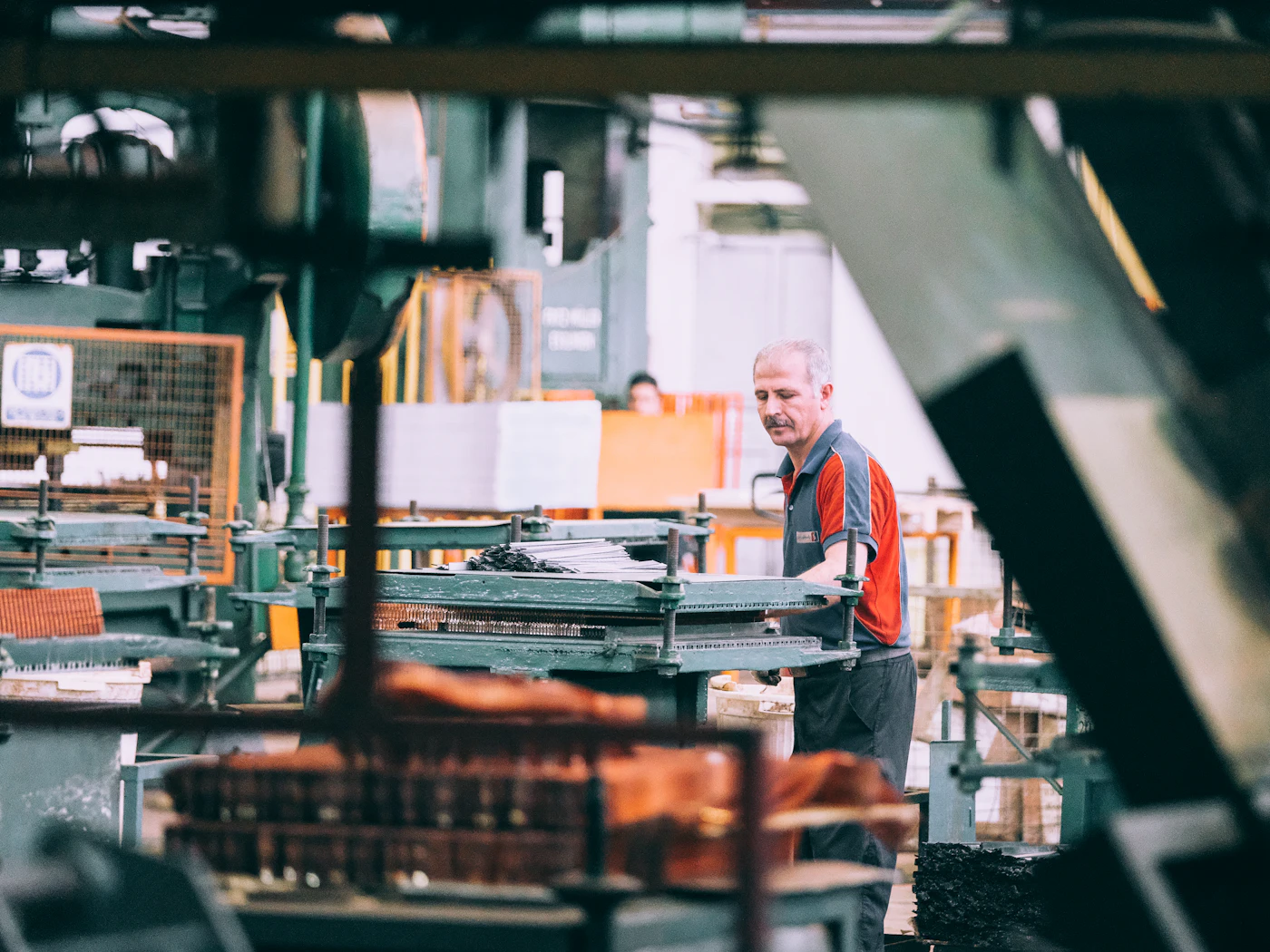
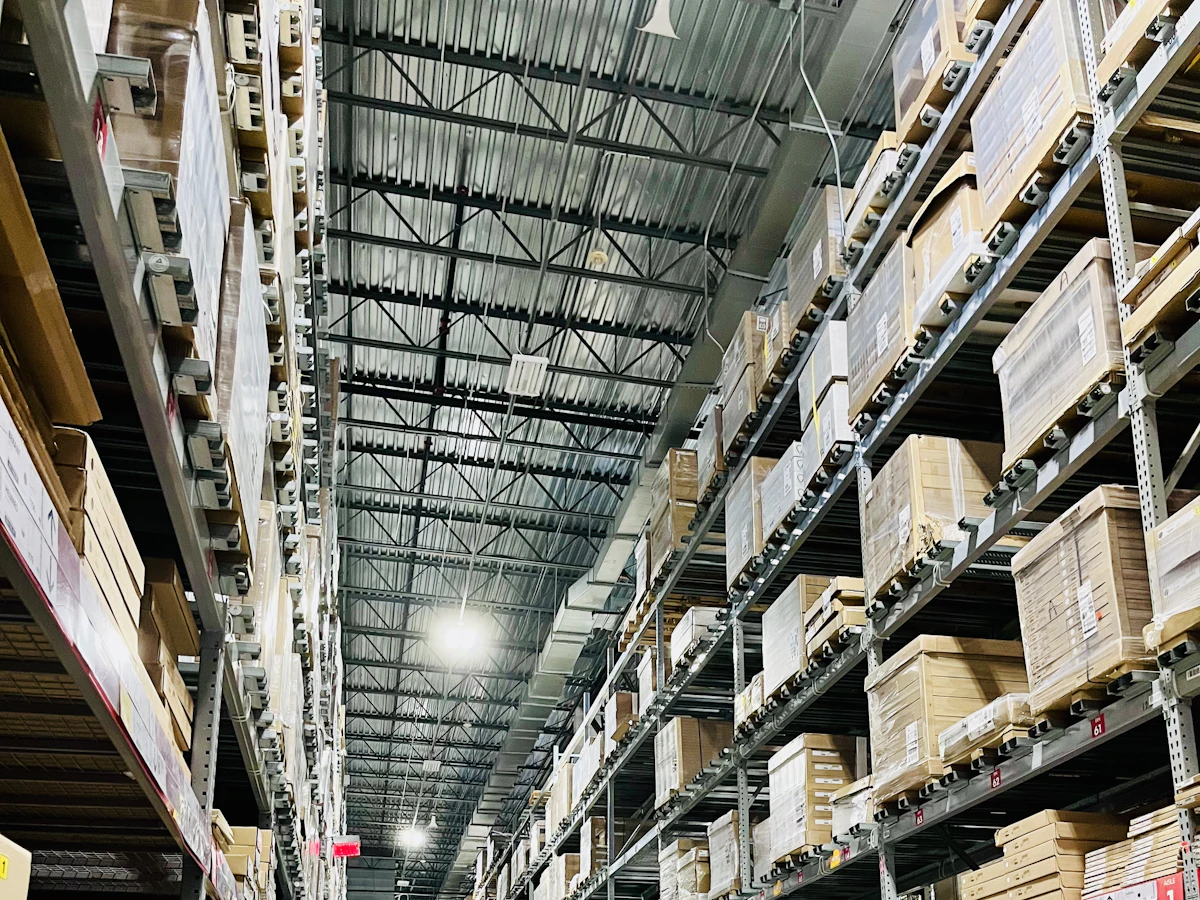
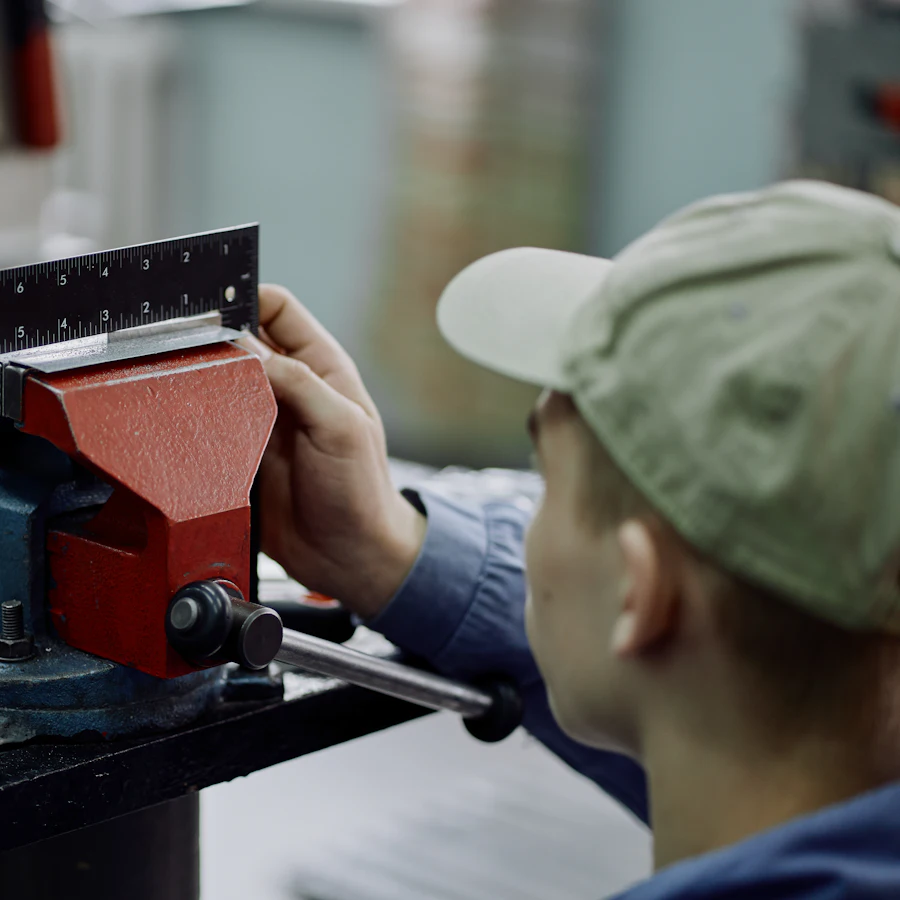
Factro Intelligence
Turn a busy day
into a clear next step.
Bring the records behind an issue into focus. See the context, understand the impact, and decide what to do next.
- See the source behind an insight
- Keep your team in control of decisions
- Connect business and factory context
A shift worth a closer look.
Assembly line 2 recorded output below its shift target. Review the downtime entries before planning the next run.
A practical way to get started
Your next chapter.
With your history intact.
Bring your product catalog, review your opening records, and help your team settle into a new way of working.
- 01
Choose where to start
CRM and finance, inventory, or manufacturing. Begin with the work your team does every day.
- 02
Bring your records
Connect Shopify or use import tools. Review product mappings, opening stock and invoice numbering.
- 03
Make it your workspace
Invite your team, set permissions, and walk through your first customer or production workflow.
Bring one workflow to a demo. We’ll walk through how it fits in Factro.
Can I use Factro without a factory?
Yes. Use CRM, invoicing, inventory and purchasing for a trading, retail or B2B business. Choose a business plan and add manufacturing when you need it.
Can I bring products from Shopify?
Yes. Connect your Shopify store and authorise product access to bring your catalog into Factro. We can walk through the connection, mapping and first sync with you.
Can I keep my existing invoice numbering?
You can configure the next number in your existing invoice series. During onboarding, review the last issued number and your opening records before creating new invoices.
Do I need sensors to get started?
No. Begin with customer records, inventory and manually logged production shifts. Add supported machine connections when your team is ready.
Bring it all together
Make room for
a better working day.
See what connected operations could look like for your business.
Photography credits
Illustrative stock photography from Unsplash: ThisisEngineering, Sam Moghadam, Sebastian Schuster and Maxim Tolchinskiy. Used under the Unsplash License.